# OpenClaw 安装使用
OpenClaw
# 介绍
OpenClaw 是一款开源的本地 AI 助手,可以对本地电脑进行所有操作比如打开浏览器、查询文件,也可以高度集成飞书、企业微信、钉钉等平台。
# linux及 MacOS的安装
如果你用的是腾讯云或阿里云轻量服务器,可以直接从模板安装镜像,自带 OpenClaw。
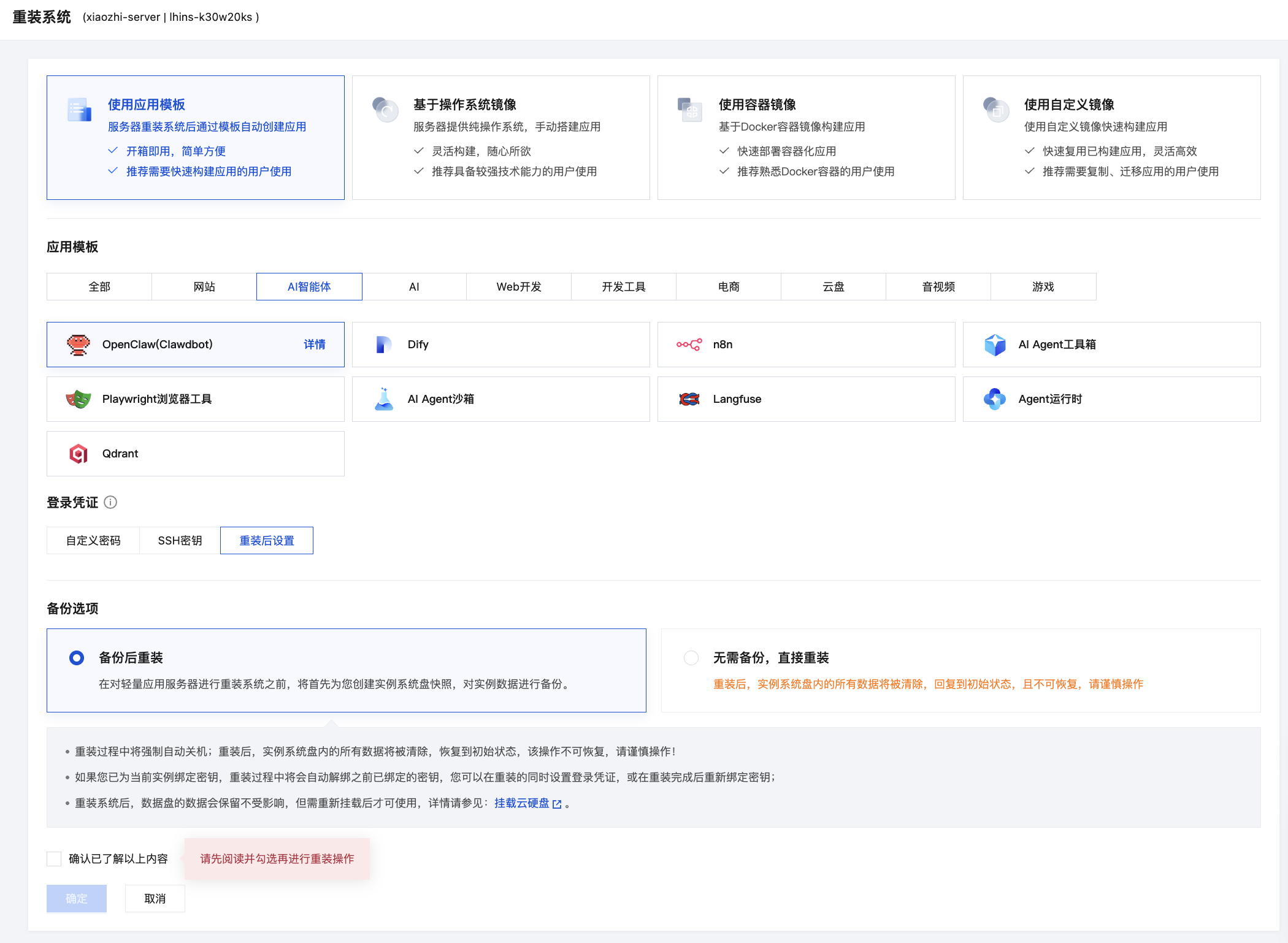
执行安装脚本
curl -fsSL https://openclaw.ai/install.sh |bash

openclaw onboard --install-daemon
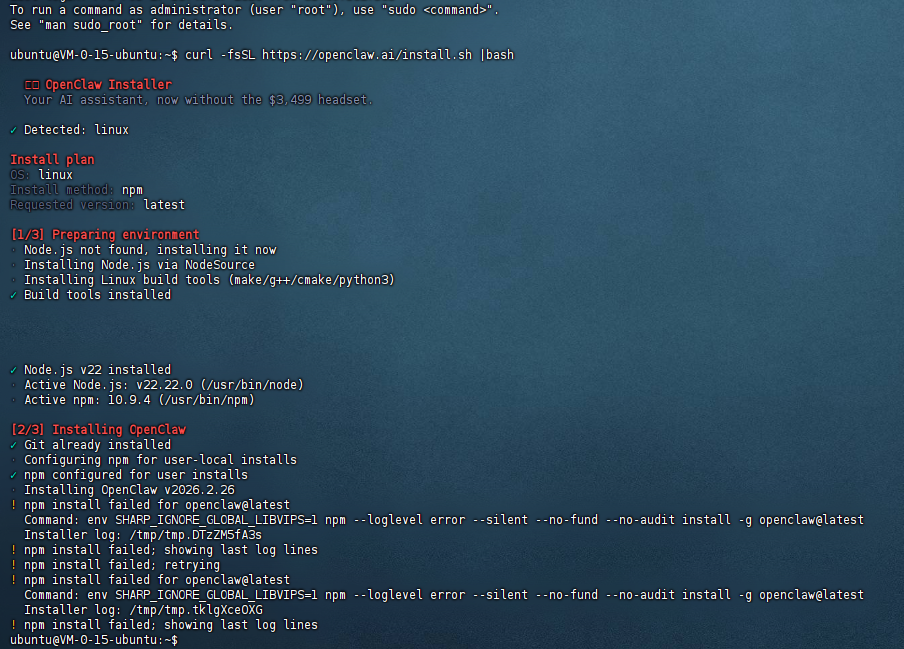
如果 npm 安装 openclaw 失败,可以手动安装
# 如果npm 安装 openclaw 成功,该步骤可以忽略
ubuntu@VM-0-15-ubuntu:~$ npm install -g openclaw@latest --verbose
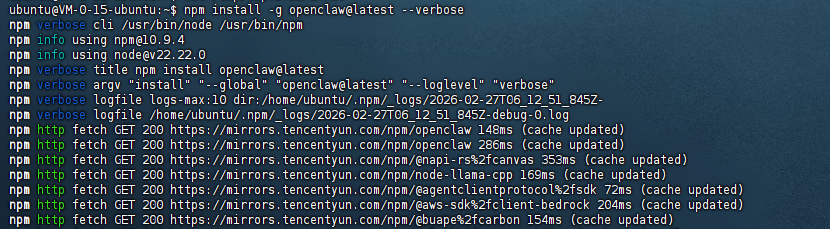
# 如果npm 安装 openclaw 成功,该步骤可以忽略
# 配置环境路径
ubuntu@VM-0-15-ubuntu:~$ npm root -g
/home/ubuntu/.npm-global/lib/node_modules
ubuntu@VM-0-15-ubuntu:~$ echo 'export PATH="$HOME/.npm-global/bin:$PATH"' >> ~/.bashrc
ubuntu@VM-0-15-ubuntu:~$ source ~/.bashrc
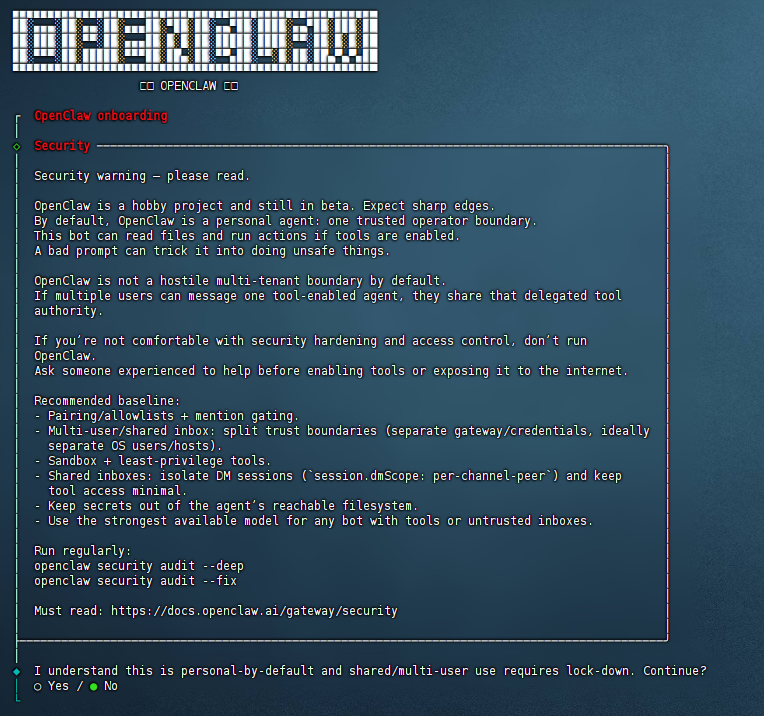
ubuntu@VM-0-15-ubuntu:~$ openclaw onboard --install-daemon

#
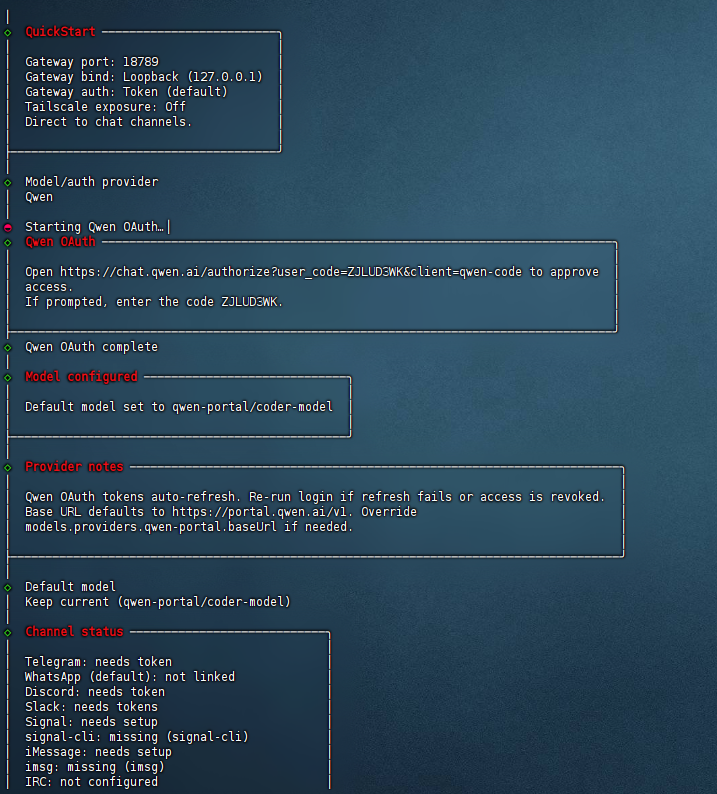
选择 yes 同意,后续其它选项根据实际选择,也可以直接跳过后续再完善。
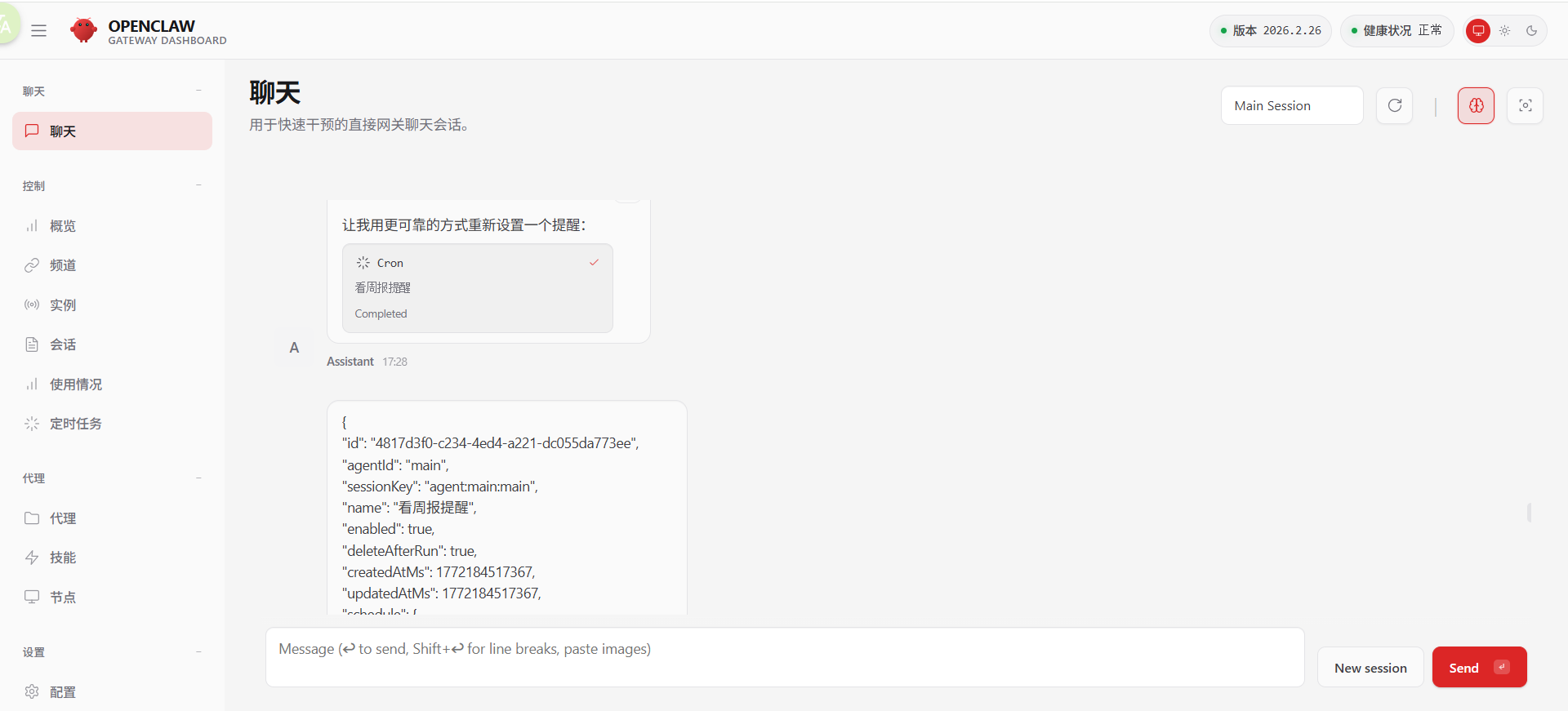
访问前端ui
# 常见问题
# 问题1:
origin not allowed (open the Control UI from the gateway host or allow it in gateway.controlUi.allowedOrigins)
默认情况下, OpenClaw 是本机访问,如果需要外网访问需要配置 openclaw.json
主要配置 controlUi 属性, allowedOrigins 是需要配置的访问外网的IP或域名。
  "gateway": {
    "port": 18789,
    "mode": "local",
    "bind": "lan",
	"remote": {
      "token": "52a8510bbd91608ada711bf5e31"
	},
    "auth": {
      "mode": "token",
      "token": "52a8510bbd9160c233e1ada711bf5e31"
    },
	"controlUi": {
		"enabled": true,
		"allowedOrigins": ["http://182.254.180.62:18789","http://39.150.194.145","http://182.254.180.62","https://bot.boxai.vip"]
	},
    "tailscale": {
      "mode": "off",
      "resetOnExit": false
    },
    "nodes": {
      "denyCommands": [
        "camera.snap",
        "camera.clip",
        "screen.record",
        "calendar.add",
        "contacts.add",
        "reminders.add"
      ]
    }
  },
# 问题2:
pairing required
看到的 “pairing required” 提示,是因为这个网关(gateway)配置了 控制界面认证模式,需要和网关进行 配对(pairing),才能从远程浏览器访问控制 UI。
使用到的命令
root@VM-0-15-ubuntu:~# openclaw devices list

root@VM-0-15-ubuntu:~# openclaw devices approve requestId


# 问题3:
control ui requires device identity (use HTTPS or localhost secure context)
需要配置 https 访问,如果不配置 https 可以使用 127.0.0.1 访问,但只限于本机访问,外网访问的话还得需要配置 https 访问。
# 常用命令
# 重启 openclaw
openclaw gateway restart

# 查看 openclaw 状态
openclaw status

# 进入 openclaw 配置目录
cd ~/.openclaw

# ubuntu 安装 nginx
sudo apt install nginx -y

# 加载nginx 配置
sudo systemctl reload nginx

# 进入nginx配置目录
cd /etc/nginx/sites-available